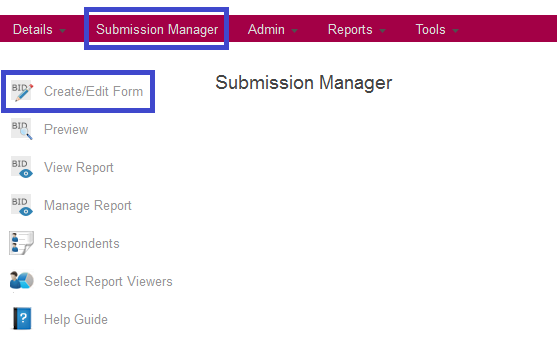
Once you access the Submission Manager by clicking on the menu item in your opportunity, you will be presented with a series of tools that will allow you to manage the submission process.
The Create/Edit Form tool allows you to create and edit the forms and form templates. Once a form is created it can be made available to respondants, at which point they can go through a series of steps to complete and submit their sbmission on a particular form.
Click the Create/Edit Form button and continue to the next step.
