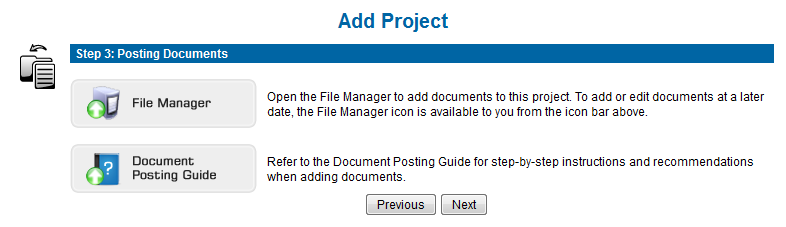
If your project has documents, using the File Manager will allow you to Drag-and-Drop them from your local computer, CD, flashdrive, etc directly into your i.s. on demand project file.
The File Manager is a JAVA application, and you will need to have the latest version of JAVA installed on your computer before you launch it. To download JAVA go to www.java.com/en/download/manual.jsp
Click the File Manager button to launch the application and post your document, refer to the Manage Documents section of the online help guide for step-by-step instructions for posting your documents.
Next Step: Invitation