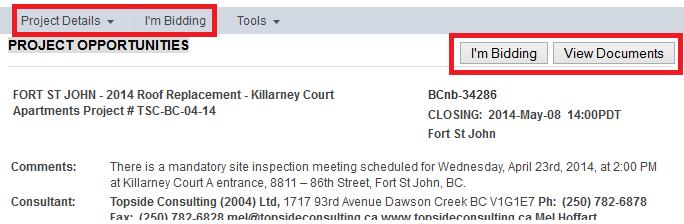
The Project Details menu is where you will find access to all the project specific information pages. The first page to open is the Project Sheet. Here you will find the basic project information such as project description, location, bid date, etc..
As the project administrator updates this information, you will see the changes reflected immediately on this page.
From the project sheet, list yourself as a Planholder by clicking on the I'm Bidding button. This will subscribe you to receive project updates and addenda notifications.
NOTE: Not all Construction Associations use the I'm Bidding button. If you do not see it in your planroom, please contact your location Construction Association for instructions on getting added to the list
Navigate to the other project information pages or to the project documents using the links in the Project Details menu.