
Once you have an opportunity open, click on the Documents button on the Summary Sheet or select Documents from the Details menu to view the folders and posted documents.
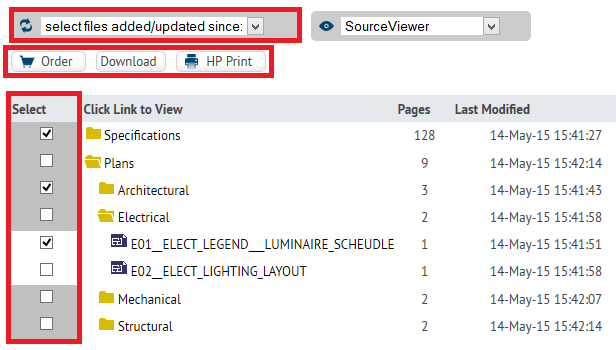
Click on a folder to view its contents. Use the checkboxes to the left of the folders and files to select them, then use the buttons above the document list to order the documents from a reprographer, download them to your computer or print them locally. You can also use the 'select files added/updated since' dropdown menu to automatically select documents by their last modified or upload date.
To view documents, use the 'select viewing options' menu to select the program you would like to use. Browser Default will use your system default program.
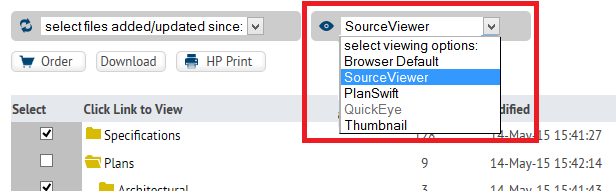
The SourceViewer requires Java to be installed on your computer, but will allow you to use the integrated tools for:
For more detailed instruction on all of these features, please see the SourceViewer online help files and video tutorials.