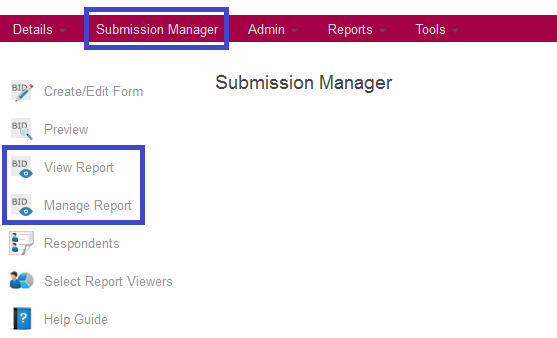
After your Opportunity closes, you will have immediate access to your results from the Submission Manager.
The View Report tool allows you to view a report style layout of the results. All submissions will be displayed one after the other. You can view the results on your screen, print them out (one sbmission per page) or export the results to a spreadsheet.

The Manage Report tool will give you an individual view of each submission. You will first see a table listing all received submissions. You can then select one to view. When viewing an individual response, you will have the option to print or export the information.
